The Reality of Vector Tracing in the Age of AI-Generated Assets
When I first heard about using generative AI to kickstart the vector tracing process, I thought I had found the holy grail of efficiency. Like many others in the industry, I was tired of spending hours on tedious manual pen tool work. I figured I could just generate a reference image, throw it into an auto-tracer, and call it a day. In real situations, however, this tends to happen: the auto-traced result is a jagged mess of thousands of unnecessary anchor points that take longer to clean up than if you had just drawn the thing from scratch. This is where many people get it wrong—assuming the AI does the heavy lifting.
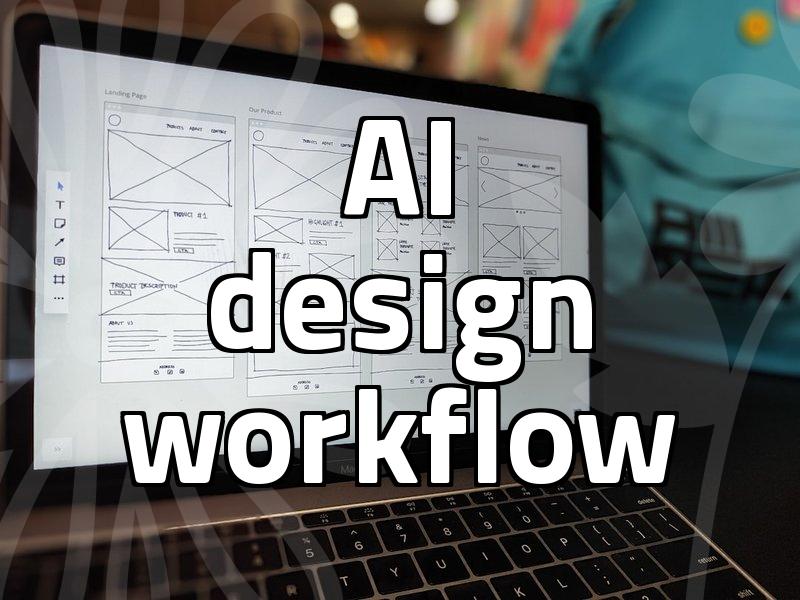
My typical workflow now is a bit more hybrid, and frankly, it feels more like a compromise than a revolution. I spend about 15 minutes generating a composition, then maybe an hour or two manually tracing the key shapes in Figma or Illustrator. Before, I would spend three hours agonizing over the initial layout. Now, I have a roadmap, but the execution still requires a steady hand. The trade-off is clear: you gain speed in the ideation phase, but you lose it in the cleanup phase if you rely too heavily on automated paths.
There was one project where I tried to push this to the limit. I used an AI-generated character design and tried to automate the vectorization to save time for a tight deadline. The output looked fine on a monitor at 100% zoom, but when we went to print the vinyl signage, the noise in the path geometry caused the cutter to stutter. It was a failure case that cost me a full afternoon of re-tracing. I still have doubts about whether this ‘AI-assisted tracing’ is actually making me a better designer or just making me lazy with my initial drafting. Sometimes, I wonder if it’s better to just sketch on paper and move straight to vector, skipping the AI step entirely when the complexity is low.
Technically speaking, when we look at how engines use motion vectors to handle real-time rendering—like the way NVIDIA’s DLSS tech interprets pixel changes—it’s tempting to think that vector tracing should be equally automated. But design isn’t just about interpreting data; it’s about intent. An AI might suggest a curve based on probability, but it doesn’t know where the visual tension of your brand lies. For simple icons, auto-tracing is fine, but for complex branding assets, it’s a gamble. The cost-effectiveness of this approach depends entirely on the complexity of your subject. If you are doing simple geometric shapes, it’s a godsend. If you are doing organic, flowing lines, you are likely wasting your time fighting the software.
This advice is useful for mid-level designers who are stuck in production-heavy roles and need to clear their queues. If you are an art director or someone who strictly focuses on conceptual design, don’t bother with this workflow; it will only clutter your mind with technical debt. If you want to experiment, try this: pick one asset, generate it, and force yourself to trace it manually using only 50 anchor points or less. If you can’t hit that limit, the AI-generated starting point was likely too complicated to begin with. The reality is that there is no magic button, only a change in the type of labor you perform. Sometimes, doing nothing and just drawing manually is the fastest way to get a clean, scalable result.