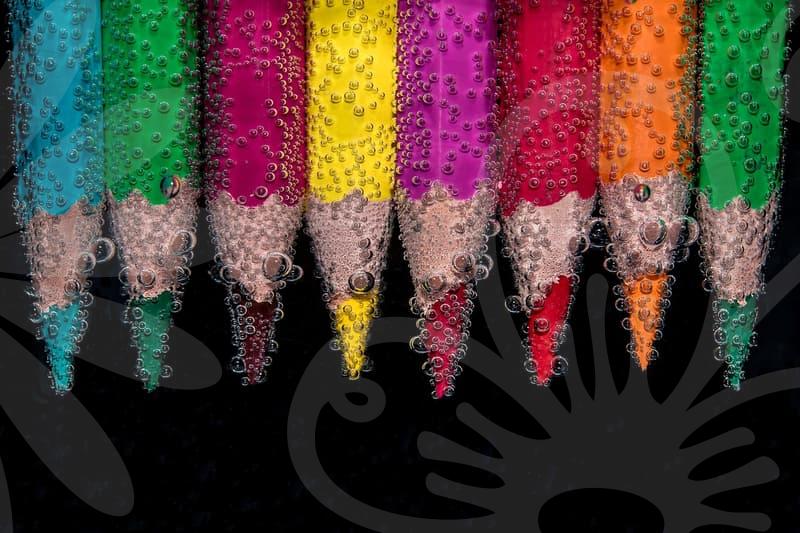
Photo editing app for crisp visuals
App selection for visuals
When selecting a photo editing app for visual content, prioritize non-destructive editing that preserves the original files. Look for reliable RAW support and flexible layering to experiment with adjustments without irreversible changes. Consider cross device syncing and export options that preserve color profiles for consistent publishing. Ask yourself how the app handles common tasks like cropping, masking, and precise color grading.
Mobile friendly interfaces enable on the go edits without sacrificing control. Yet truly effective workflows integrate with desktop versions for heavier tasks like multi image composites. Assess performance on your device with large files or busy projects to avoid lag. This helps you see how a single app scales from casual posts to professional visuals.
Efficient workflows depend on intelligent tools like quick selection, smart masks, and batch processing. AI based features can speed up tasks such as background removal, subject isolation, and auto color matching. Extensions or plugins for texture, lens corrections, and noise reduction enrich your toolkit. Evaluate how these features translate to your typical projects, from fashion photos to product shots.
Core editing techniques
Start with precise color correction to set a believable mood across your shots. Employ non destructive adjustments using curves, selective color, and white balance to keep options open. Masking and feathered selections help refine edges when combining subjects with background layers. Think about how subtle adjustments on shadows and highlights can reveal texture without oversaturation.
Color grading is not just a look, it guides the viewer’s eye through a sequence of moments. Use a consistent LUT or custom curves to unify a set of images for a campaign. Balance color temperature, tint, and vibrance to align with your content’s mood. Consider how skin tones read under different devices and adjust accordingly.
Adopt layer based edits to keep each change adjustable. Channel operations, blend modes, and vector masks extend control beyond pixels. Regularly compare edited frames with original references to avoid drift. A disciplined workflow reduces rework and speeds up delivery.
Enhancing images with AI
AI assisted features can accelerate routine edits while preserving artistic intent. Automatic subject extraction, sky replacement, and texture synthesis offer new avenues. Rely on AI suggestions but verify results with your eye and chosen color space. Beware of over processing that can flatten depth or introduce artifacts.
AI powered cropping helps frame impactful compositions by suggesting focal points. Content aware adjustments smooth uneven lighting and recover detail in shadows. Test across different devices to ensure the edit remains convincing. Integrate AI tools with manual tweaks for a balanced final look.
As you adopt AI, maintain authorship and avoid misrepresentation. Keep metadata honest and respect privacy when sharing images. Document your process so future edits can be traced and refined. Use AI as a collaborator rather than a replacement for your judgment.
Efficient pro workflows
Develop templates for common project types to accelerate initial edits. Create consistent color palettes and export presets to ensure uniform output. Organize assets with clear naming and versioning to prevent confusion. Schedule regular reviews of your toolbox to prune unused steps.
Seamless handoff between mobile and desktop platforms keeps momentum. Cloud storage and synchronization ensure you can pick up where you left off. Learn hardware limits of your devices to set realistic expectations. Document your mobile edits with notes to recreate on larger screens.
Design for the final platform by considering resolution, aspect ratio, and compression. Test how edits render on social feeds, galleries, and print proofs. Keep a checklist for color management, sharpness, and noise control. Review accessibility aspects like contrast and legibility for thumbnails.