Getting started with digital illustration for professional goals
Building a foundational workflow for digital illustration
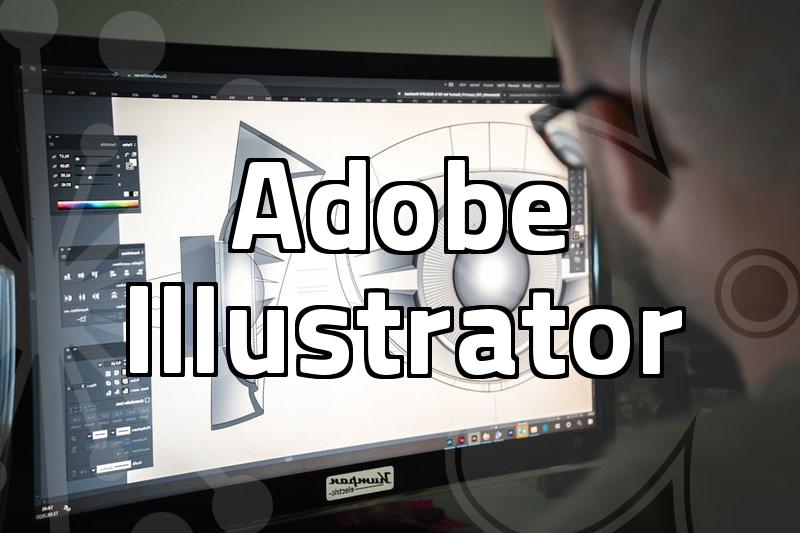
Starting out in digital illustration often feels overwhelming due to the sheer number of software tools available. Whether you are aiming for a career in game graphics or preparing for certifications like GTQ or web design qualifications, the core of the work remains the same: mastering the digital canvas. Most people find that jumping straight into complex projects leads to frustration. Instead, focusing on basic layers, brush settings, and shortcut keys in programs like Photoshop or Illustrator provides a much more stable base. It is common to spend the first few weeks just getting used to the pressure sensitivity of a drawing tablet, which can feel quite unnatural compared to traditional pen and paper.
Applying color theory to landscape and character work
Color palettes are more than just aesthetic choices; they define the mood and readability of an illustration. When working on landscape pieces, the common mistake is using colors that are too saturated across the entire frame. A more practical approach involves establishing a dominant hue and using secondary colors sparingly. In character design, this is even more critical because the visual hierarchy needs to direct the viewer’s eye immediately. Many beginners struggle with muddy colors when blending, which usually stems from picking values too close to each other on the color wheel. Keeping a separate swatch board while working helps maintain consistency throughout the design process.
Practical considerations for certification and career paths
If you are pursuing certifications like the Web Design Technician or GTQ levels, the approach shifts from creative freedom to precision and speed. These exams focus on your ability to replicate specific design patterns and manage file types efficiently under time pressure. For those looking at vocational paths like digital illustration degrees or game design, the focus is less on perfect academic grades and more on building a portfolio that shows an understanding of current industry standards. I have noticed that schools and studios prioritize a candidate’s ability to adapt to technical requirements, such as optimizing assets for game engines or ensuring layers are organized for other team members to edit.
Common technical bottlenecks to keep in mind
One of the most annoying technical hurdles is managing file size and resolution. Working on a massive canvas might seem like a good idea for detail, but it often leads to significant lag, especially if you are using multiple complex effects or brushes. It is usually better to work at a moderate resolution—typically 300dpi is standard for print—and use smart objects wherever possible. Another frequent issue is color profile mismatch. Designing in RGB for a project that ends up being printed in CMYK will almost always result in colors looking dull or shifted compared to what you saw on your monitor. Always checking your color mode at the start of a project saves a lot of rework later.
Balancing creative intuition with technical requirements
At the end of the day, digital illustration is a balance between artistic expression and technical constraint. While it is tempting to focus solely on the ‘fun’ part of drawing, understanding the underlying technical requirements of your medium—whether it is a digital card game or a corporate branding project—is what separates a hobbyist from someone who can consistently deliver work. There is a learning curve to managing these technical limitations, and it is perfectly normal to feel like your initial drafts don’t capture the vision you have in your head. Persistence in refining the technical process usually brings that gap closer over time.